Talk, and it does it
Apps, timers, music, YouTube, your calendar. Talk over a video and it still hears you, or hold ⌘ ⌥ and talk.

You're X. Tap a square.
Call it anything. Give it any voice, even your own. Pick how it talks back. It studies with you, plays with you and runs your Mac, and nothing you say ever leaves it: no cloud, no account. Made by one independent developer, for Macs with Apple silicon.
youtell me a joke
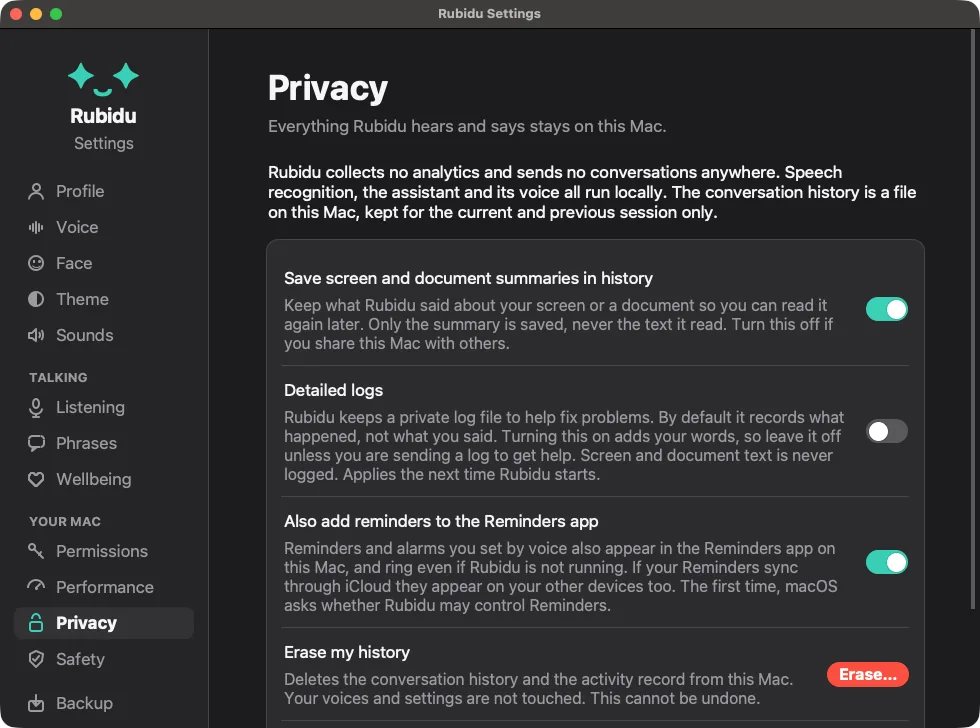
Rubidu lives in your menu bar. You talk, it does the thing: opens apps, plays your music, sets timers, takes notes, checks facts on Wikipedia if you let it, and plays tic-tac-toe when you need a break. It runs on your Mac, even offline. Nothing you say leaves it.
Tap a line. This is what Rubidu says back on a Mac (written down here; on your Mac it talks).
 Hi! Tap something on the left.
Rubidu on a MacBook Air: talking, opening apps, answering, all on the Mac.
Plays from YouTube once you press play. Watch on YouTube
the waitlist
Rubidu already opens your apps, sets timers, does exact maths, searches the web and talks back, all on one MacBook Air. Next I'm making it faster, friendlier and worth using every day. Join, and you'll hear first.
0 people are waiting
Know someone who'd love this? Send them the link.
Join the waitlist
Apps, timers, music, YouTube, your calendar. Talk over a video and it still hears you, or hold ⌘ ⌥ and talk.
Hold ⌘ ⌥ ⇧ in any app and talk. The ums are gone before the words land.
Pick a voice memo or a video, or just say "transcribe this". A transcript and subtitles appear next to it, made on your Mac.
Hey everyone, every day we open our Mac and we see Siri sitting right over there...
Select text anywhere and say "read this to me". Record a minute of yourself once and Rubidu can read in your voice.
It lives in your menu bar, it blinks, and it reacts to how you talk to it. Click one.
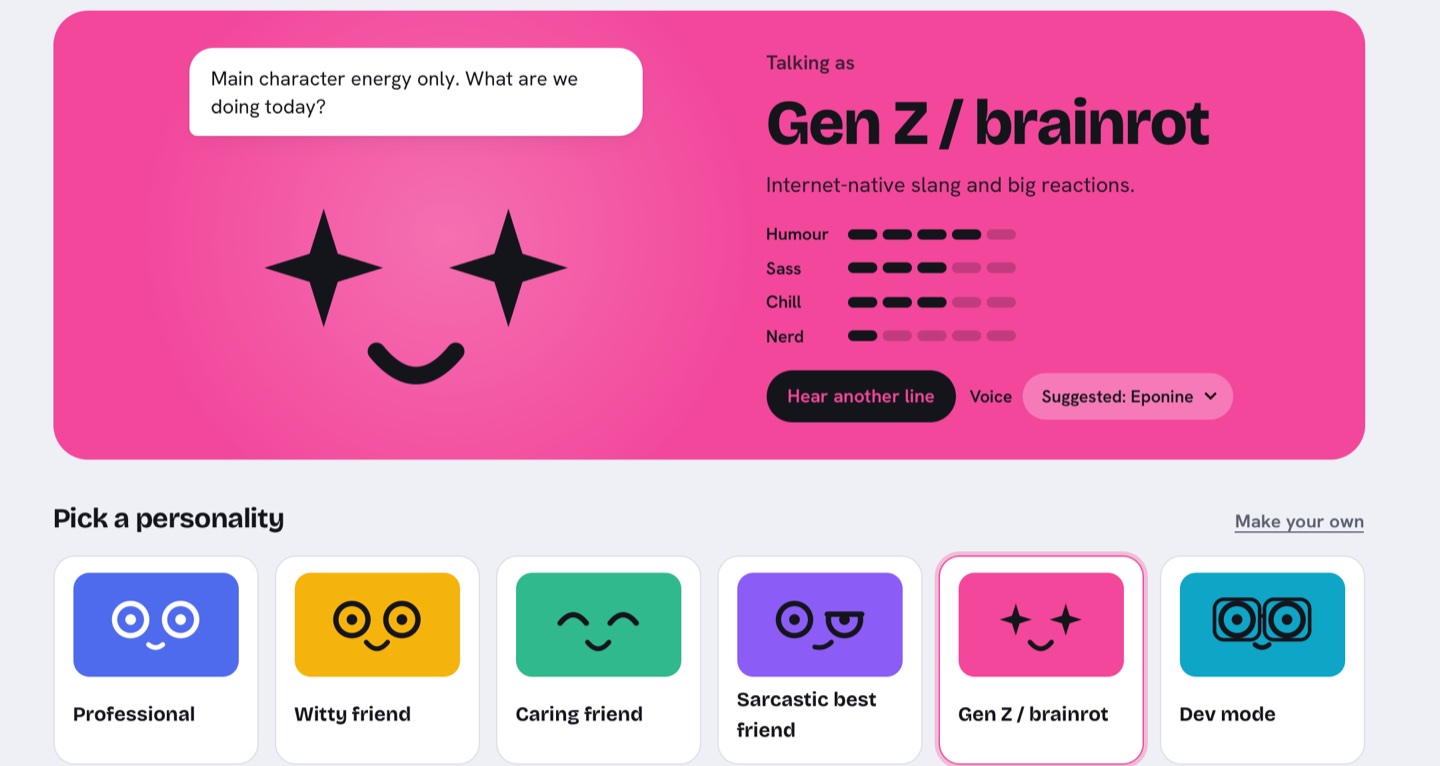
A witty friend, a sarcastic one, a calm professional, Gen Z, a developer who plays rubber duck, and a caring one. Each has its own face, voice, jokes and comebacks. Switch in Settings, or just say "switch to sarcastic mode".
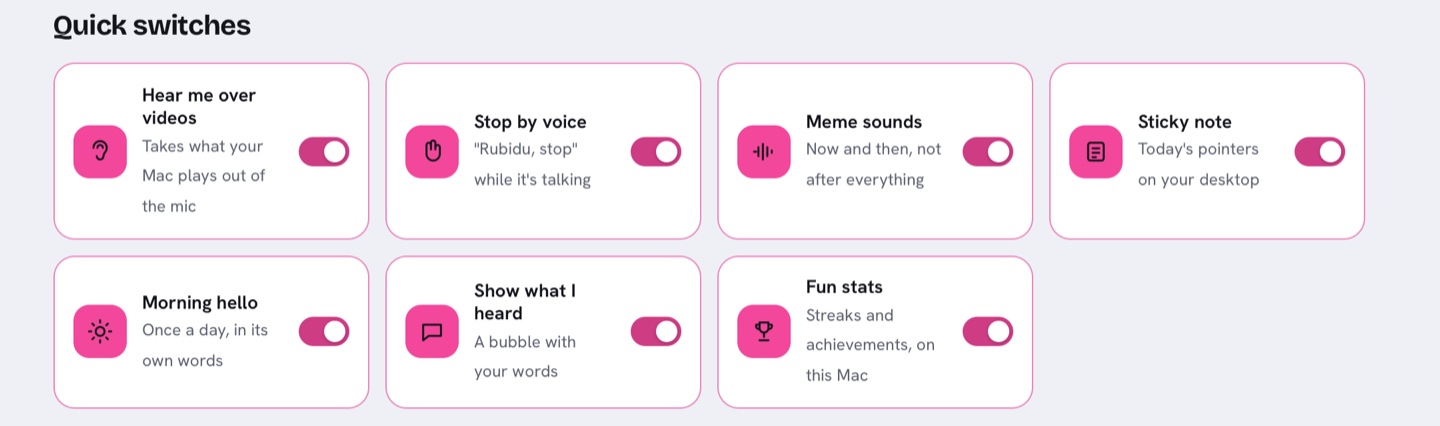
The things you change most are one click away: hear me over videos, stop by voice, meme sounds, the desktop sticky note, a morning hello. The rest is one level down.
Both are good at what they do. Rubidu is for something else: a Mac that does what you say and keeps it to itself.
No account, no cloud, no keys. Hearing you, thinking and speaking all happen on the Mac in front of you.
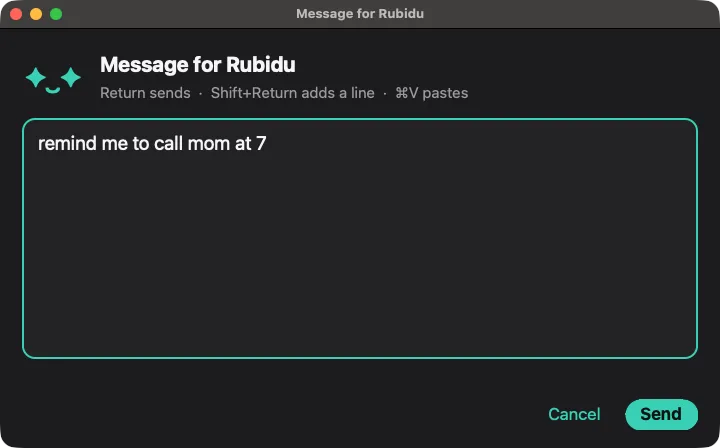
It opens apps, sets timers and reminders, writes notes and changes settings, with the Mac's own controls.
Restarting your Mac waits for your yes, and that yes counts for that one action only.
It never learns about you on its own. It keeps only what you tell it to remember, never passwords, and you can erase it.
Measured on 2026-10-20 on one MacBook Air (M2, 16 GB, macOS 27) with the current build.
Every day I open my Mac and Siri sits there, slow and a bit lost. Meanwhile AI got scary good, but mostly in a browser tab that sends everything I say somewhere else.
So I built the assistant I wanted: one that lives on my Mac, talks back in my own voice, understands my accent, and keeps every word on the laptop.
None of this would exist without people I'll never meet. All over the world, developers spend their nights making AI smaller, faster and free for anyone to use, and every few months something that needed a server suddenly fits on a laptop. It still fascinates me that I get to build on top of that work. So, a big shout-out to them and to the open source community: thank you.
My way of paying it forward is to make Rubidu as light as I possibly can. Light enough on memory and battery to run all day beside everything else you have open. A good assistant shouldn't need a new laptop.
The basics work now. The next part is the one I care about most: making it fast, friendly and genuinely useful every day. Join the waitlist, and tell me what it should do next.
Ujjwal, final-year CS student, building Rubidu in public
Better you hear it from me than find it out yourself.
Rubidu is a voice assistant for macOS that runs entirely on your Mac. You talk to it, it answers in a voice you choose, and it does things for you: apps, timers and reminders, music and volume, messages, dictation into any app, transcribing recordings and reading text aloud.
No. Hearing, thinking and speaking all happen on your Mac. There is no account and no telemetry. The only download is the AI models, once, when you press the button in Setup.
Yes. Rubidu carries its models inside the app, so it works with no internet connection from the first start. It goes online only to look something up, when you ask or say yes, and each source has its own switch in Settings, Online.
Nothing on its own. When you ask it to look something up, or say yes to its offer, it sends the words of your question to the source it uses: Wikipedia, arXiv for research papers, or a web search service if you add your own key. Settings, Online lists each one, what it sends and where, with a switch for each. With them all off, nothing leaves your Mac.
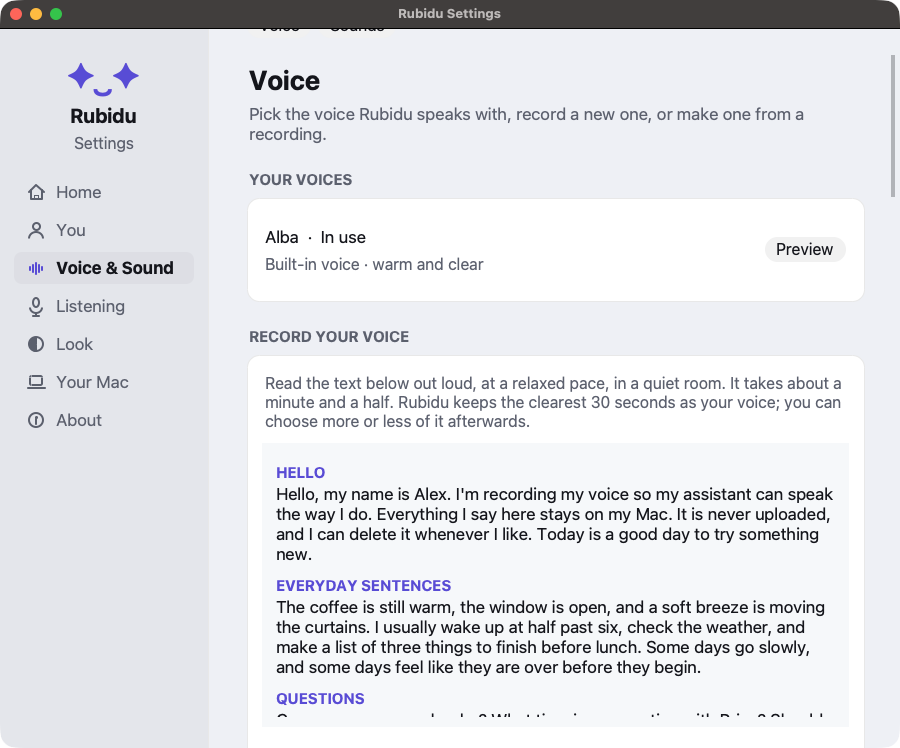
Yes. You read a short script aloud, and Rubidu learns your voice on your Mac. The recording is never uploaded, and you can delete it whenever you like.
Macs with Apple silicon and 16 GB of memory, on macOS 26.2 or later. It has been tested on a MacBook Air M2 (macOS 27) and an M4 (macOS 26.2), both with 16 GB.
Not yet. A Windows version is planned after the Mac launch.
Rubidu is available as a complete software asset: the product, not a company. A one-time sale through Escrow.com. No users or revenue yet: you buy a finished, well-tested product.
Listing on IndieMaker · Listing on SideProjectors · Watch the demo · Email heyrubidu@gmail.com
I'm Ujjwal, a final-year computer science student. I'm building Rubidu on my own, on a MacBook Air, in public. I post the progress, the wins and the bugs on Instagram and YouTube.
I read every message. Each one is filed under its topic in a private Google Sheet that only I can open. Your email is optional and only used to reply to you. How your message is handled.